

Colorcinch (Cartoonize) — a Browser‑First AI Photo Editor & Cartoonizer with Offline Mode, iOS & Android

What it does
AI tools
Creative libraries
Try-first model
Offline support
Mobile
What we built for photo editing
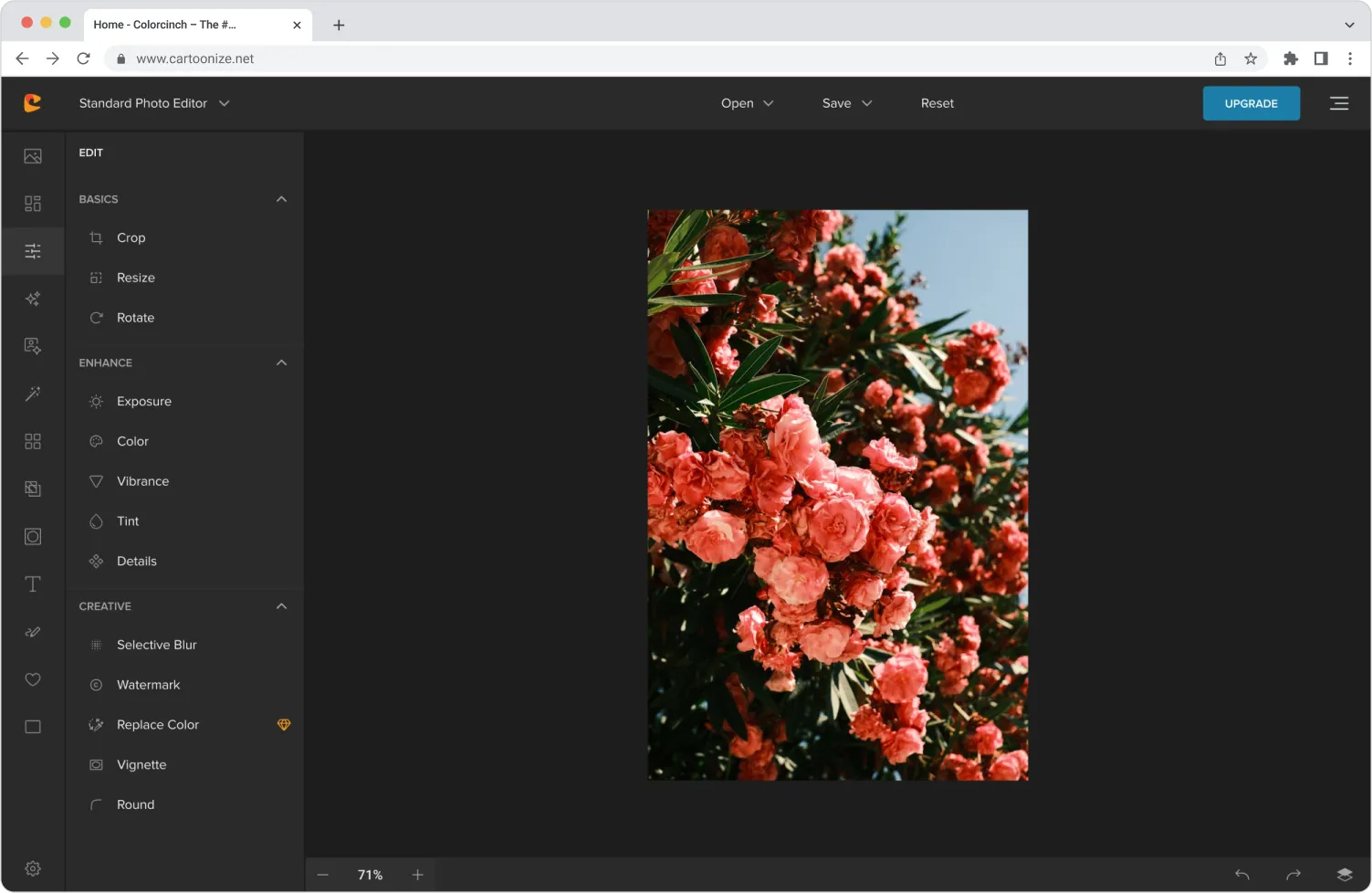
A browser-first editor that feels native
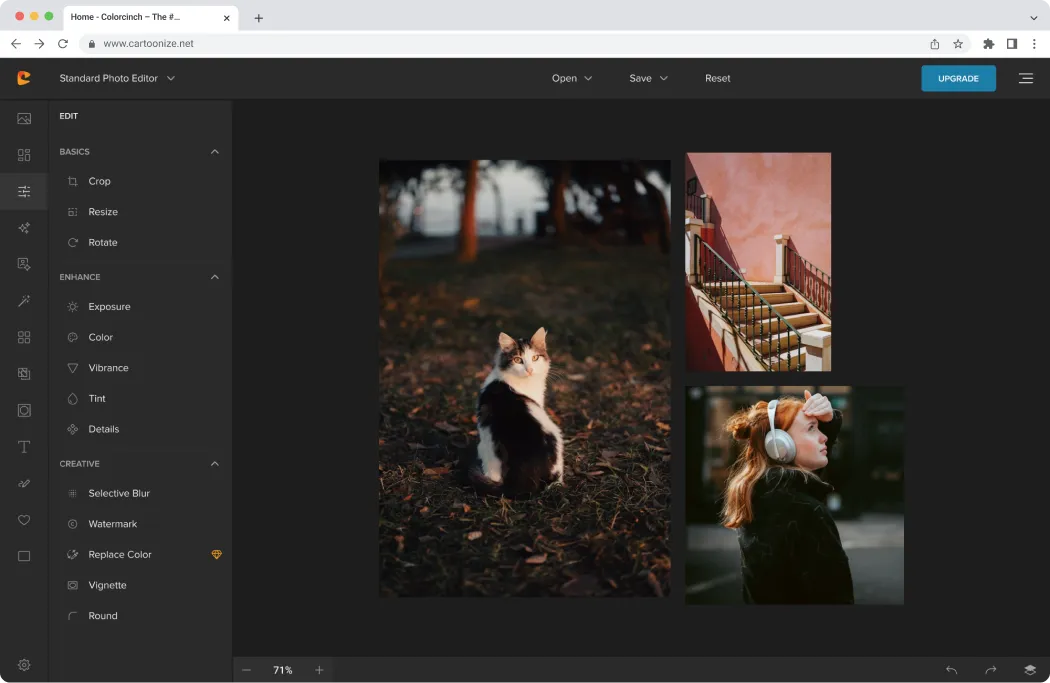
The web app at edit.cartoonize.net loads straight into the editor withno sign-up required for Basic. It offers one-click cartoonizer/painting/sketch effects alongside layers, text & masks, overlays, frames, collage, exposure & color controls, and compress/convert (JPG, PNG, PDF)— with export up to 400 DPI for print.
Offline ready: Users can install the PWA and keep editing projects even when they’re offline, then sync later.
Practical AI for everyday edits
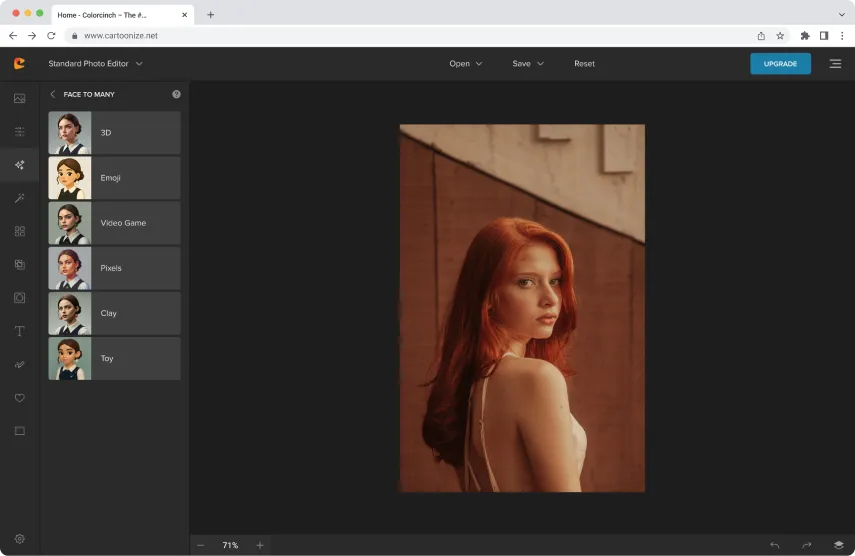
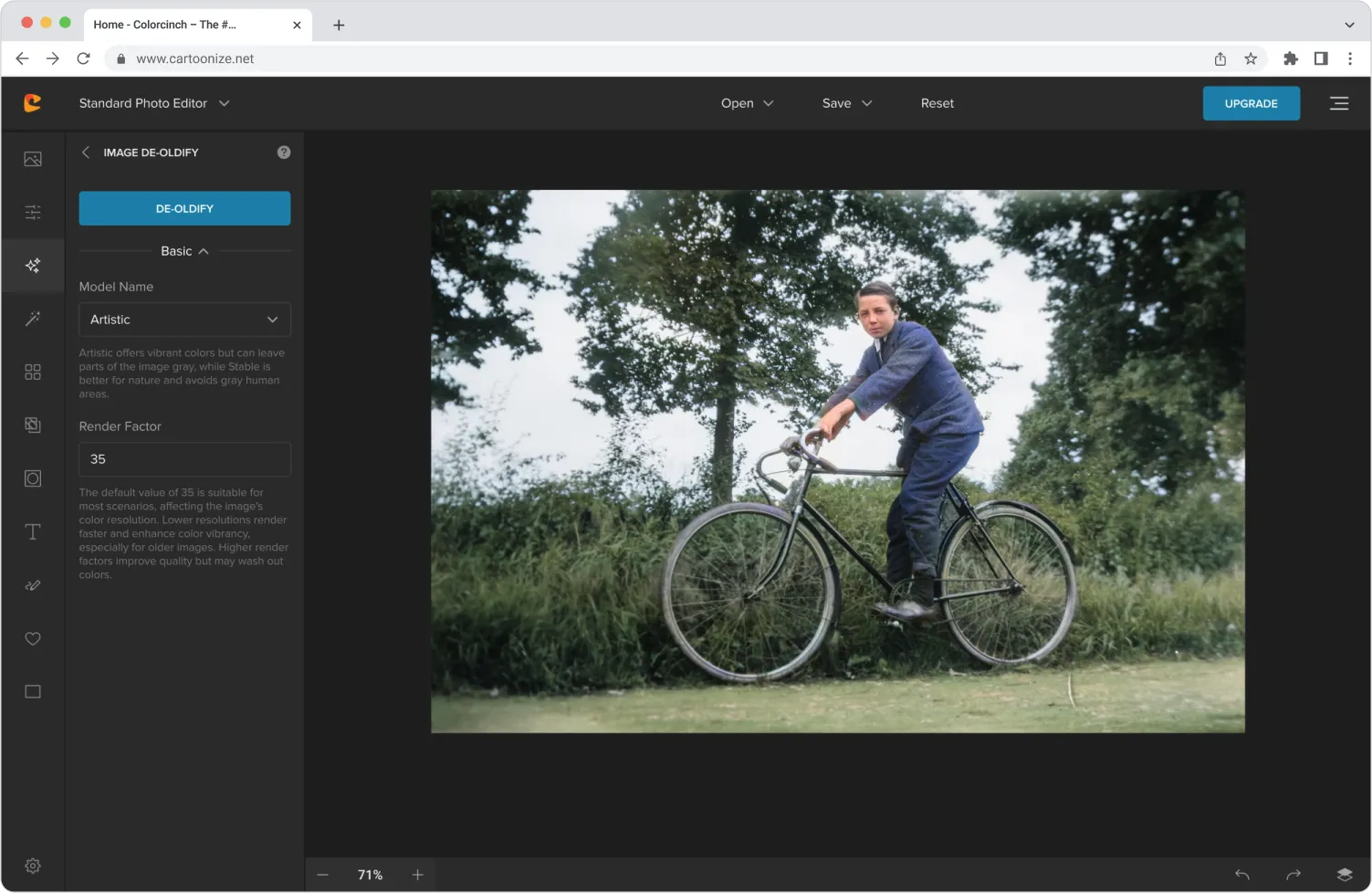
Beyond stylization, Colorcinch bundles Face Restoration, Inpainting/Removal, Background Removal, Upscale, De-oldify, Face-to-Sticker, Prompt Generation, and Photo-to-Anime— all directly in the web UI so creators don’t need multiple tools.
Built-in creative libraries
The editor surfaces 4M+ stock photos and 50k+ vectors & icons, so users can composite assets without leaving the canvas.
Clear, conversion-friendly packaging
- Web: Basic is free, and Pro unlocks the full AI/effects library and higher-resolution exports at $14.99/mo or $83.88/yr, billed via Stripe.
- Mobile: On iOS, App Store lists monthly/annual IAP tiers(e.g., Monthly Pro, Annual Pro, Monthly/Annual Total AI). Androidalso supports IAPs and provides privacy details inline.
Native apps that mirror the web value prop


Outcomes & impact delivered
- Faster time-to-first-value: New users can hit Get started and apply effects within seconds —no account required. This materially reduces abandonment at the top of the funnel.
- Production-grade outputs: 400-DPI export and PDF/JPG/PNGformats enable print-ready posters and social-native assets from the same project.
- Trust signals up front: App-store disclosures —iOS: “Data Not Collected”; Android: “No data collected/shared,” encryption,deletion request— help privacy-sensitive users convert.
- All-in-one workflow: With AI cleanup, enhancement, and stylizationplus stock & vector libraries, casual creators and marketers can ship visuals without juggling multiple apps.
How CGP Systems delivered value
Product strategy & UX
- Zero-friction entry: We optimized the landing flow around Get started → Edit now, then layered progressive disclosure for Pro-only features. The site anchors this with “No sign up required” messaging and a clear Basic vs. Pro value breakdown.
- Editor ergonomics: We organized tools by mental model — Essential, Filters & Effects, Overlays & Masks, Social, Converters, and Creative — and surfaced AI tools as first-class entries.
Engineering & platform craft
- PWA + offline editing: We shipped install prompts and caching so users canedit projects offline and auto-save at intervals.
- Asset pipelines: Integrated 4M+ stock and 50k+ vectors/iconswith fast in-editor search and compositing.
- Export fidelity: Tuned export flows for PDF/JPG/PNG with adjustable DPI up to 400 and smart size/quality sliders.
Monetization & compliance
- Transparent pricing: Basic (free) → Pro via Stripeon web; IAP tiers on iOS/Android. We mirrored plan names and privileges to reduce upgrade confusion.
- Privacy posture: Aligned store metadata with current data-safety disclosures (iOS Data Not Collected; Android No data collected/shared, encrypted in transit, deletion request).
Web
Libraries
Mobile
Selected product highlights


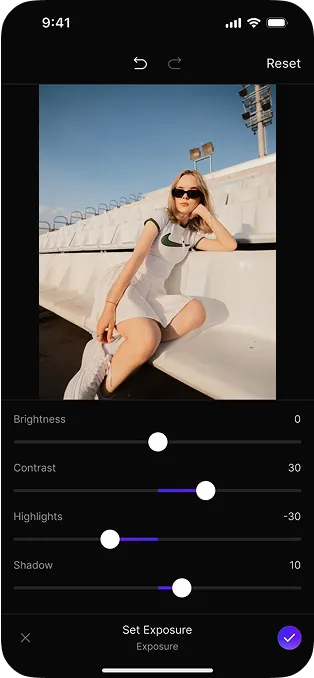
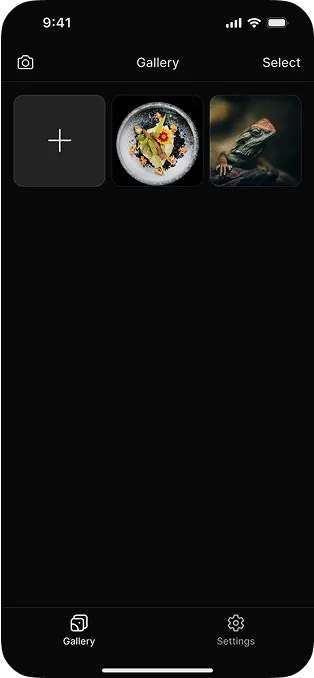
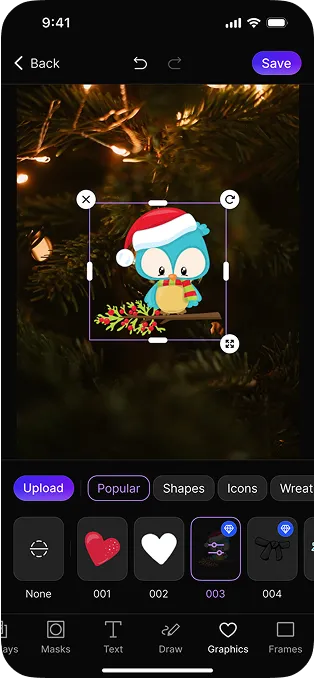
What this means for your team
If you’re building creator tools for mainstream users:
- Lead with instant value— a no-sign-upBasic flow dramatically lifts trial starts.
- Ship practical AI— cleanup, restoration, and background removal convert better than “filters-only.”
- Design for offline— a PWAkeeps projects moving on flaky connections and differentiates browser-first editors.
- Make print and social first-class— 400-DPI export and stock/vector libraries cover both.
- Align pricing & privacy across surfaces— mirror web plans with iOS/Android IAP and maintain clear store-level data disclosures.
Appendix: Source notes
- Homepage & value props(AI, offline/PWA mention, no sign-up CTA, feature families, libraries): cartoonize.net.
- Features hub(AI tools list; layers; export; libraries; PWA offline; converters; overlays/masks): cartoonize.net/features.
- Pricing & FAQ(Basic vs. Pro; $14.99/mo or $83.88/yr; Stripe; account requirements; refunds): cartoonize.net/pricing and Support.
- iOS listing (developer, privacy “Data Not Collected,” version 1.0.2 on May 22, 2025; IAP examples): App Store.
- Android listing (developer, 500+ installs, updated May 22, 2025; Data Safety: no data collected/shared; encryption; deletion request; support contacts): Google Play.